01Will my Salesforce custom fields come across?
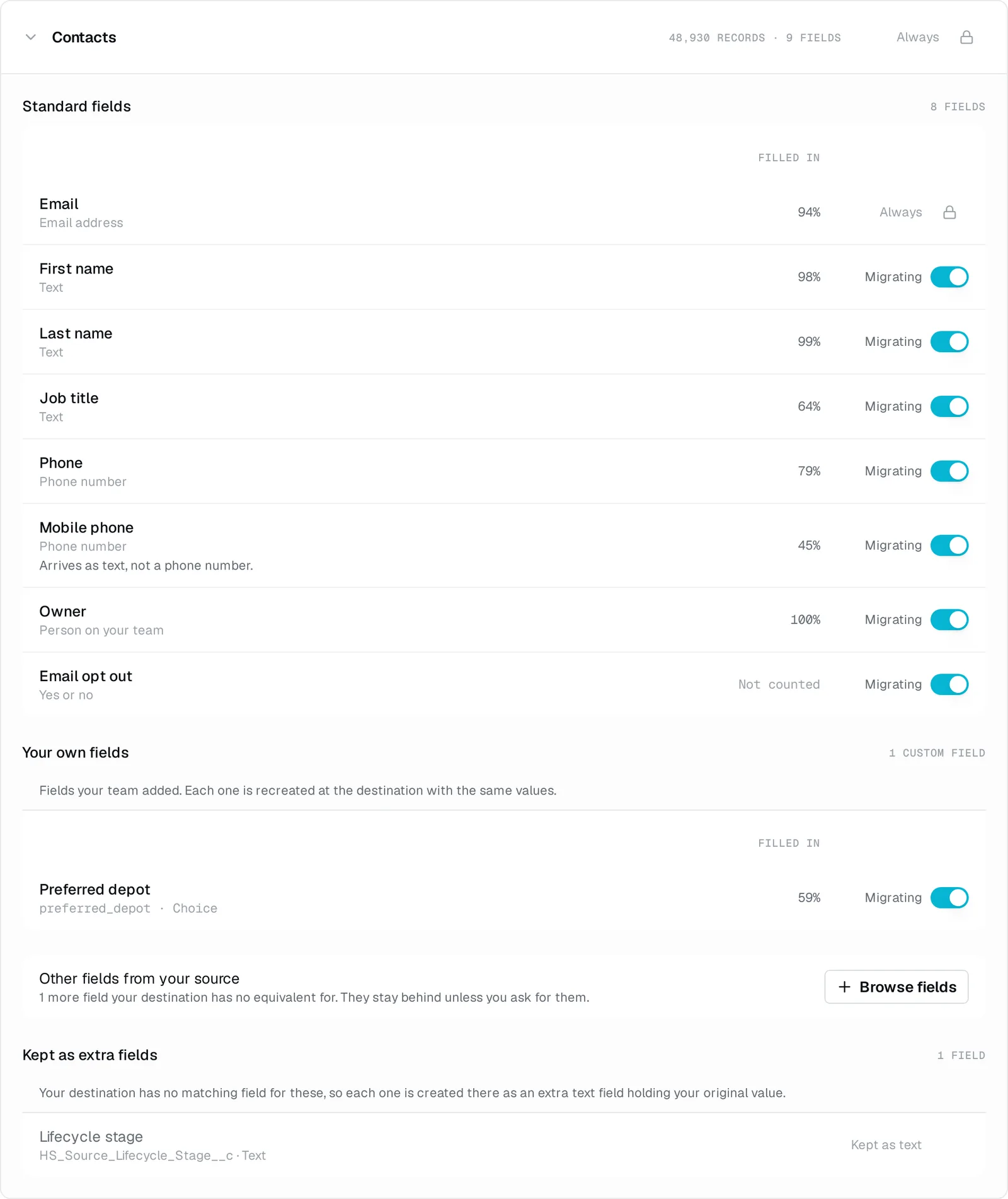
Yes. The free assessment finds them in Salesforce, and they are created as custom fields on the matching Zoho module before records are migrated. Review the plan and choose whether to leave unused fields behind.
02What happens to my Leads and Person Accounts?
Both land as Zoho Contacts. Zoho does keep leads in a module of their own, and this migration lands your people in Contacts instead, so the record is one you can work rather than one waiting to be converted. Accounts become Accounts and Opportunities become Deals.
03What happens to my activity history?
Your tasks land as Zoho Tasks, a task logged as a call lands in Calls, and your events land as Events, each one on the record it belongs to and with its owner.
04What about my Salesforce notes and emails?
Your notes come across and your emails do not. Salesforce keeps a note as a file on the record, so we read them the way we read your files, and each one lands as a Zoho note on the record it was written about, dated when it was written. Emails we can read, but Zoho holds email as a related list on each record rather than as a module, so there is no Zoho record for one to become. That is on your plan before you commit.
05What about the files attached to my records?
Your files arrive as attachments on their related records in Zoho. If a related record does not migrate, its files stay in Salesforce. We report any files we could not attach.
06Do my opportunity stages survive?
Your deals are matched to the stages your Zoho org already has, and what a stage meant is what it is matched on, so a won opportunity lands in your own won stage rather than at the top of the funnel. A stage with nowhere to go is named before the run rather than discovered during it.
07What about my Salesforce custom objects?
The matching module has to exist in Zoho before its records can land. We agree which ones are coming during the assessment and set each one up with you first, and then the records and their fields follow.
08Do I have to build a field map?
No. We work out what each value becomes, so nobody builds a field map. You review the plan before the migration runs. A Salesforce field with no native home in Zoho can be brought along as a new field instead of being left behind.
09Who actually runs the migration?
We run the migration and stay reachable. Connect Salesforce for the free assessment and price, then Zoho to complete the plan. Nothing moves until you ask.
10Can I keep working in Salesforce while this happens?
Yes. We only read Salesforce and never write back to it. Keep working while you check the results, then bring across the latest changes before switching over.
11What if the result is not what I expected?
You can undo the migration, correct the issue and run again. Created fields, shared catalogue data and any other items listed as retained stay in place.
12What does it cost?
One payment, based on the records that move. The free assessment of Salesforce gives you the exact count and price before you commit. Payment is by invoice, with no subscription.